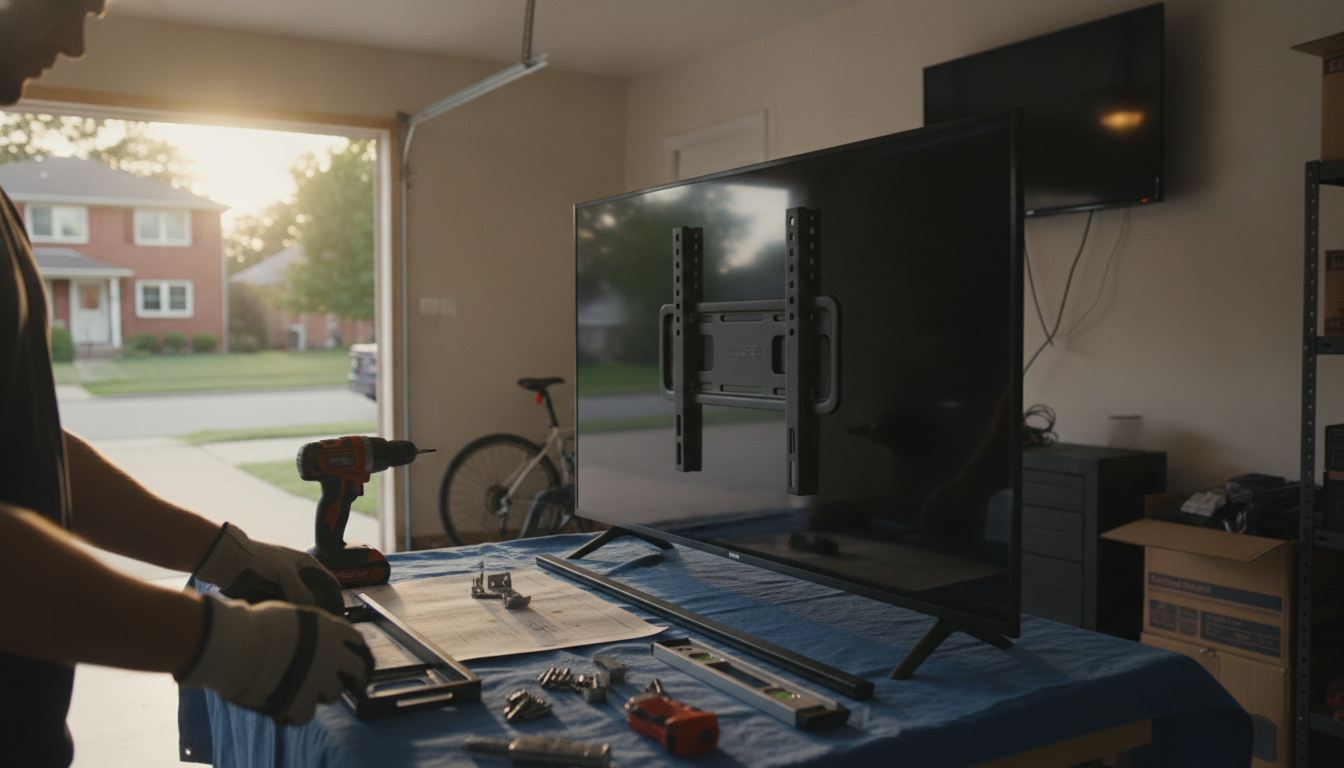
Not every smart TV can be wall-mounted, but most modern models can. The key is whether the TV has a VESA mounting pattern (the four threaded holes on the back) and whether you have a wall mount that matches the TV’s VESA size and weight. If your TV lacks VESA holes—or the back design blocks safe attachment—it’s not a good candidate for wall mounting.
Start by checking the TV’s manual or the manufacturer specs for “VESA” information (for example, 200 x 200 mm). You can also look at the back of the TV for four screw holes in a square or rectangle. If those holes are present and accessible, the TV is typically designed to work with standard wall mounts.
Even if a smart TV is mountable, you can’t use just any bracket. Wall mounts have limits for weight and screen size, and they’re drilled to specific VESA patterns. Using the wrong mount can cause the TV to sit unevenly, put stress on the chassis, or fail over time. Also, some TVs need spacers or specific screw lengths to avoid damaging internal components.
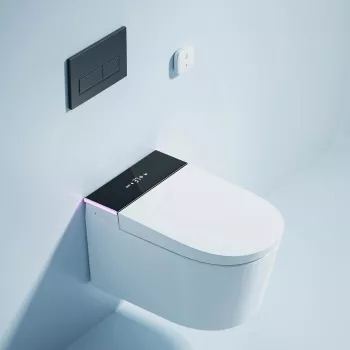
Confirm what your wall can support (studs, masonry, or approved anchors) and plan cable access for power, HDMI, and streaming devices. If your TV has rear-facing ports, a low-profile mount may pinch cables; a tilting or full-motion mount can provide more clearance. For a helpful example of planning around concealed components and a clean, wall-hung installation approach, see this guide: wall-hung smart toilet and concealed tank guide.
Avoid wall mounting if the TV is extremely old, lacks a VESA pattern, is physically damaged, or if the wall type can’t be reinforced appropriately. If you’re unsure about structural support or electrical routing, professional installation is often the safer option.
You need a mount that matches your TV’s VESA pattern and is rated for at least the TV’s weight. Screen size matters mainly for fit and arm reach, but VESA and weight rating are the non-negotiables.









Leave a comment